
Free Project
KruigerScenes — FiveM Scene & Evidence Script
Free standalone synchronized FiveM scene and evidence-description script with 3D text, presets, persistence and ACE permissions.
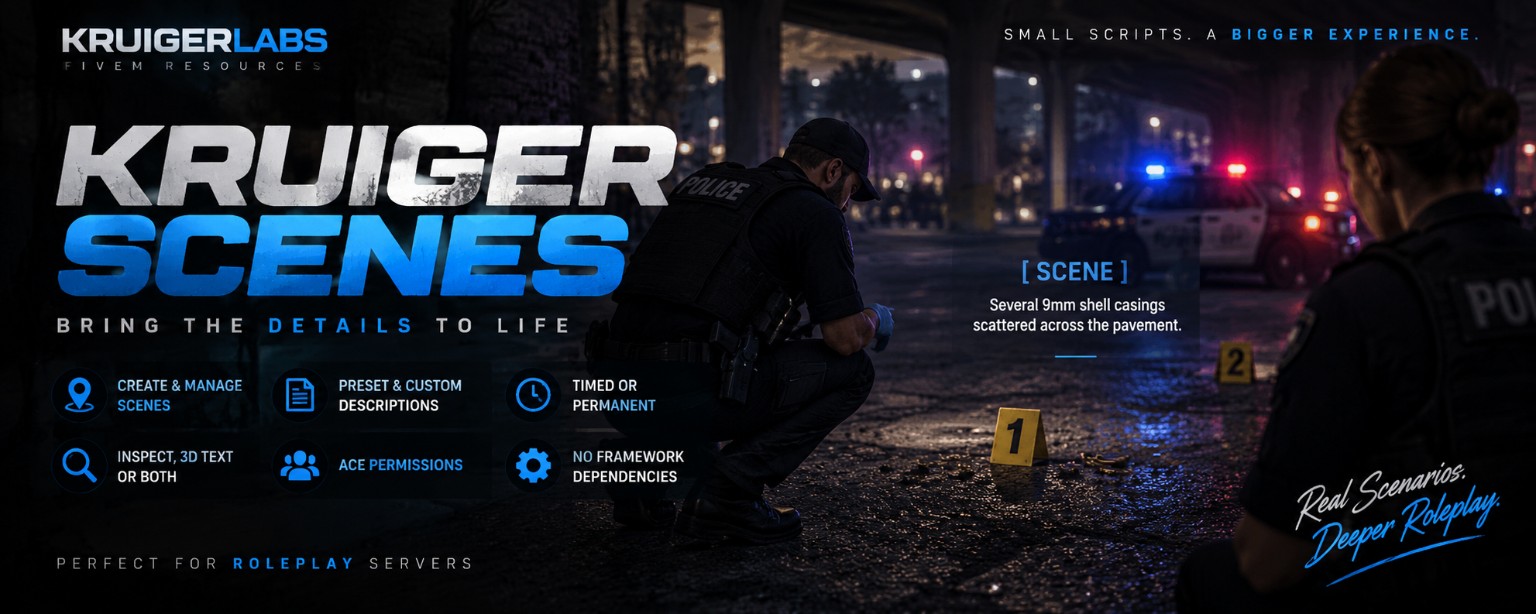
FiveM Scene & Evidence Script
Free standalone synchronized FiveM scene and evidence-description script with 3D text, presets, persistence and ACE permissions. Built by Kruiger Labs for FiveM server owners looking for a focused, documented resource without unnecessary framework requirements.
Project documentation

KruigerScenes — Free FiveM Scene & Evidence Script
KruigerScenes is a standalone synchronized FiveM scene script for roleplay scenes and evidence descriptions. Players can place scene text directly in the world with presets for blood, shell casings, broken glass, debris, burn marks, footprints, evidence, and custom descriptions.
Features
/scenecreation menu/scenesscene manager- Raycast placement directly into the world
- Evidence and roleplay presets
- Inspect-only, 3D-text, or combined display modes
- Timed and permanent scenes
- Permanent scene persistence through
scenes.json - Server-side ACE validation
- Per-player limits and creation cooldown
- Configurable view/interact distance
- No ESX, QBCore, or dependencies
Installation
- Place
KruigerScenesin your FiveM resources folder. - Add
ensure KruigerScenestoserver.cfg. - Add the ACE permissions you want.
- Restart the resource/server.
ACE permissions
add_ace group.leo kruiger.scenes.create allow
add_ace group.fire kruiger.scenes.create allow
add_ace group.admin kruiger.scenes.permanent allow
add_ace group.admin kruiger.scenes.manage allow
Documentation
- Full documentation: https://kruigerlabs.xyz/docs/free-scripts/kruigerscenes
- FiveM scripts: https://kruigerlabs.xyz/fivem
- Documentation center: https://kruigerlabs.xyz/docs/
License
MIT License — Copyright (c) 2026 KruigerLabs. See LICENSE for the repository's complete license terms.
Kruiger Labs
Project Page: https://kruigerlabs.xyz/projects/KruigerScenes/